Thirty Dollars, Zero Regrets? A Field Test for Cheap Zhejiang Smart-Home Gear
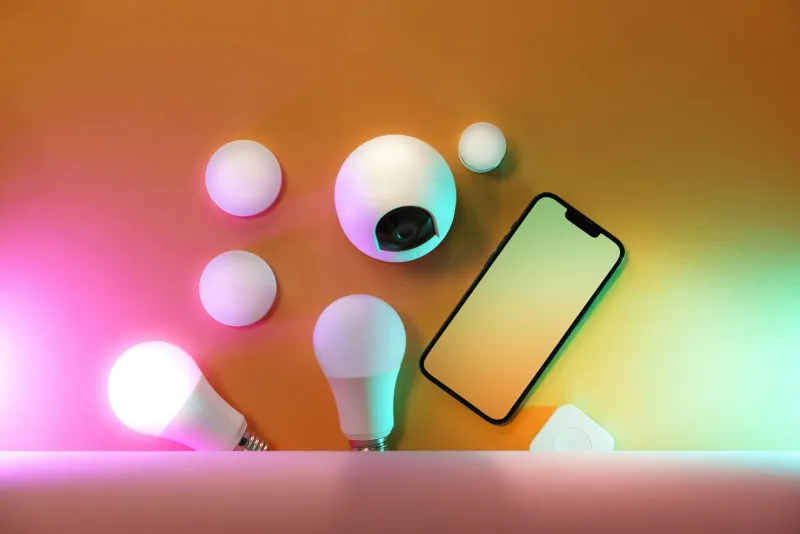
Thirty dollars is a weird amount of money. It buys a genuinely decent smart plug four-pack, a long LED strip, or a sensor kit — and it also buys an app you will delete in March and a gadget that ends up in the drawer next to the mystery cables.
The difference between those two outcomes is not luck, and it is not brand loyalty. It is a short list of things you can check before you order. So here is the rule, and then the test.
First, what thirty dollars actually is
At this price, you are buying three parts: a radio, a relay or a strip of diodes, and a plastic shell. That is it. Nobody is amortizing a decade of customer support into a $24 plug. So calibrate: expect the function to work well on day one, expect no one to answer a warranty email, and expect the physical hardware — not the software — to be the part that eventually fails.
Under $30, cheap is clever when the device is dumb hardware with a simple job. It becomes a return label when the device has to make a safety decision on its own.
What $30 should reasonably buy in 2026
- A four-pack of Wi-Fi smart plugs, rated and certified
- A 16-foot addressable LED strip with a real power supply
- A small hub plus two door or motion sensors
- A two-pack of smart bulbs, dimmable
- A basic indoor camera, if and only if it works with a local protocol
And what it should not: a robot vacuum, a video doorbell you plan to trust with packages, or anything that switches a space heater. Those are different budgets.
The three-question gate
Before checkout, ask three things. Fail any one and close the tab.
- Is there a U.S. safety listing I can look up? Not a logo in the photos — a listing, verifiable in the lab's public directory.
- Does it work if the vendor disappears? Matter, HomeKit, Zigbee through your own hub, or documented local control. If the only path is one brand's cloud, you are renting the device.
- Can I return it domestically in 30 days? Because that is your real warranty.
Certifications in plain English
For anything that plugs into the wall, look for UL or ETL (Intertek) or TUV marks, and then go check. All three maintain searchable online directories. Counterfeit and self-applied lookalike marks are common enough that the check is worth the two minutes.
For anything with a radio — plugs, bulbs, strips, sensors — FCC Part 15 is the framework. Devices that intentionally transmit get an FCC ID you can search in the commission's database. A listing that says FCC compliant with no ID is telling you something.
One thing to ignore: CE. It is a European declaration and tells a U.S. buyer nothing about the outlet in their kitchen.
The 220-volt trap
Zhejiang factories build for many markets, and it shows in the listings. Check three numbers:
- Voltage: should be 120V. A 110–240V device is often fine, but verify the plug type.
- Plug shape: U.S. Type A or B. If the product photo shows a Type I (three flat pins at an angle) or Type C, it is a China or EU unit with an adapter thrown in. Fine for a 5W bulb. Not fine for a 1500W appliance.
- Amperage: budget smart plugs are often 10A, about 1200W. That is plenty for a lamp or a fan and nowhere near enough for a space heater or a coffee maker pulling 1500W. The plug body should be stamped with the rating. If it is not, that is not a small omission.
App privacy, without the panic
Most sub-$30 connected devices run on Tuya or Smart Life, or a white-labeled version of the same stack. That means an account, a cloud dependency, and data living on servers you will never see. This is normal at this price, and it is manageable.
Practical moves: put smart devices on a guest network or a separate SSID, give them an email alias rather than your main address, skip location and contact permissions, and buy Matter devices where the option exists — local control means the device keeps working the day the vendor pivots to something else.
And one line in the sand: no $25 indoor camera in a bedroom or bathroom. Cheap cameras are the category where the privacy math stops working.
Red flags that separate a find from a drawer ornament
- A safety mark that looks like UL but is not, or no mark at all
- Alexa compatibility claimed with no skill name given anywhere
- A plug photo showing the wrong pin type for the U.S.
- No wattage stamped on the housing
- A USB power brick bundled with an LED strip, unbranded, with no rating
- Battery products with no cell specification
- A one-year warranty whose only service path is shipping back overseas
- Every review posted in the same 48-hour window
- An app that will not finish setup without your location
The twenty-minute burn-in test
When the box lands, do not just screw it in and forget it.
- Plug it in and run it at its rated load for twenty minutes.
- Touch the housing. Warm is normal. Hot enough to flinch is a return.
- Set a schedule and leave it for a week. Does it drift or drop off the network?
- Cut your Wi-Fi for ten minutes. Does the device keep its last state, or does your lamp become a brick?
Anyone who fails step two goes back in the box the same day, while the return window is wide open. Keep the packaging for 30 days. This is not pessimism; it is just how you shop at this price.
The verdict list
Green light: smart plugs, LED strips, sensors with a hub, plain dimmable bulbs, anything with a verifiable listing and a boring job.
Yellow light: cameras and doorbells, thermostats, in-wall switches — anything that touches mains wiring or a room's worth of privacy.
Red light: space heaters on a $19 plug, smart power strips with no surge rating, $30 robot vacuums, and any device that needs a subscription you cannot cancel from the app in under a minute.
Cheap smart-home gear is not a scam and it is not a miracle. It is a $30 bet on simple hardware doing one job. Make the bet on the categories where the failure mode is a dead plug, not a scorched outlet, and you will come out ahead almost every time.